
River sounds vs rain sounds: a listening comparison
Two recordings, two textures. Listen to each on its own before deciding whether you want to bring them together.
Start hereExplore the collection · Get Lalai on the App Store
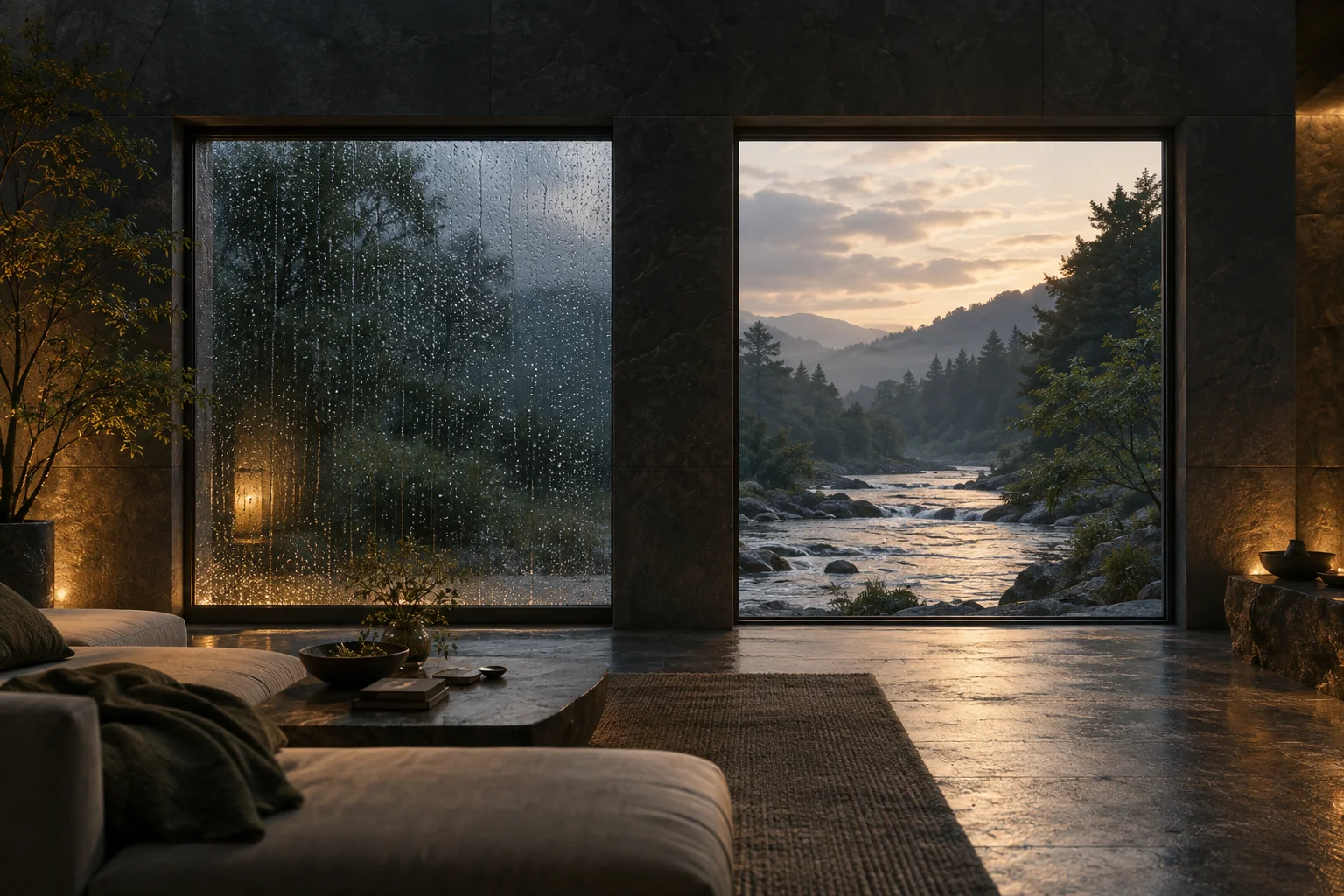
 Picture your evening / Illustrative scene
There is no universal winner. Compare these particular samples, notice the texture you enjoy, and keep the device volume comfortable.
Sources & review notes ↗Compare recordings, not just labels
“Rain” can mean a distant wash, drops close to a window, or water striking a roof. “River” can suggest a broad current or a more detailed stream. Those are broad descriptions, not a guarantee about any recording with that label.
The controls below use one rain-window sample and one river sample from the site’s existing sound collection. Their source records identify BonnyOrbit’s rain recording and bassimat’s river recording.↗↗ You are comparing those examples, not every rain or river sound available.
Start with one sound
Choose “Rain on its own,” then press play. Notice whether you enjoy the texture as a background or keep attending to individual details. Pause when you have heard enough, then choose “River on its own.”
A matching slider number is not a scientific loudness match between different recordings. Keep your device volume comfortable and judge the character of the audio rather than treating the demonstration as a controlled experiment.

An evening of your own.
Explore Lalai’s illustrated stories and sound collection.
Explore the story worlds Now on the App Store
Original AI-generated editorial illustration
Try a blend only if you want one
The combined preset is a creative starting point. If you like one ingredient more, lower the other. If the combination feels busy, return to a single sound. There is no requirement to use every layer just because a mixer makes it possible.
You can also change the imagined setting. Rain might suggest a room with a window; river audio might suggest an outdoor place or a boat. That association is yours to make. We are not claiming the recording produces the same experience for every listener.

Take the preference into a larger scene
If you enjoy adding another ingredient, the cabin recipe guide brings in fire and night insects. If a voice interests you, the stories-with-rain guide explores another format.
This browser tool has four short looping samples. Lalai’s app, on the App Store for iPhone and iPad, has a separate, larger sound collection. The controls here are an introduction to choosing a blend, with no automatic playback and no claim that one combination is medically better.
Start with rain.
Then try the river.
Start with a preset or move the sliders yourself. These are short Lalai sound samples, played on a loop here. Nothing starts until you press play.




Sliders set the relative balance, not a recommended listening volume. Start with your device volume low. Listening safely.
Sources & editorial notes
Reviewed 25 September 2026. Product descriptions were checked against Lalai’s catalog, implementation and support materials. Features may change. Editorial recommendations describe listening preferences; they are not claims of medical benefit.
- Rain recording: BonnyOrbit, CC0 source record
- River recording: bassimat, CC0 source record
- Lalai support: free content, accounts and listening
- Lalai story library: individual stories and running times
Lifestyle scenes, conceptual story worlds and decorative cutouts are AI-generated illustrations, not photographs of actual customers or endorsements. Phone screens within generated scenes are illustrative; the separate app mockups use Lalai’s supplied screenshots. Story artwork comes from Lalai’s existing asset library. Developer descriptions are publisher sources, not independent testing. Tell us about a correction.